
GPX Generator: The Mapbox router
The router is the service that works out which roads to take between your points. The site normally uses Google Maps, but it can also use Mapbox, which has its own map, its own search and its own idea of the best roads.
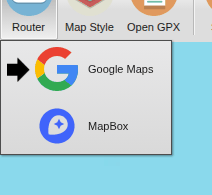
To switch, press  Router and choose
 MapBox (or
 Google Maps to go
back). The page reloads with the other router. If there's a route on the
map, it comes with you: its stops, control points and names are kept, and
the new router works out the roads between them again. Check the route
afterwards, as the two routers don't always agree on the quickest way
between two control points.
To use Mapbox every time, choose it as the Router to use by default in your preferences.
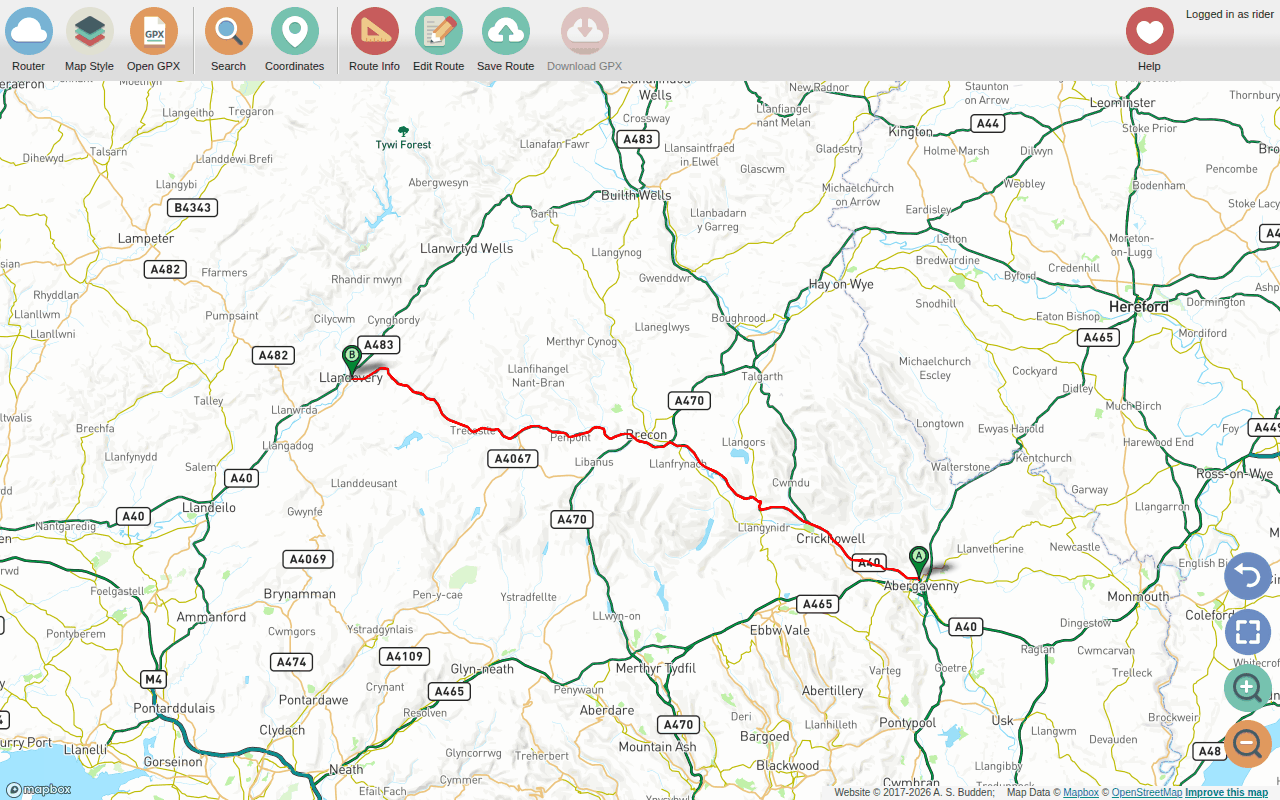
Everything in this guide works in the same way with Mapbox: searching, right-clicking (or long-pressing) on the map, the route and its points, dragging the route, off-road legs, saving and downloading. What's different:
- The map is drawn by the open-source Leaflet library, and starts with a map style of my own (MapBox - Al's Map Style), made with Mapbox's tools. Mapbox's other styles are on the Map Style menu, along with the other maps; Google's map styles only work with the Google router.
- Searching uses Mapbox's search. Google's is the more thorough of the two, which is the main reason Google is the default.
- Routes are worked out by Mapbox, using OpenStreetMap's map of the roads, so the two routers sometimes choose different roads between the same points.
- The Use overview path preference only applies to the Google router.
Why there are two
A bit of history: the site was originally built on Google Maps, which has always been good at finding places and at dragging routes around. A few years ago Google redesigned its map so that most of the roads I want to ride a motorbike on became white lines on a light grey background, which makes them very hard to see. I think the intention was to suit people who just want to be told where to go.
That made me worry that it would get harder and harder to use their tools, so I rebuilt the site so that it could work with other maps and routers. (The first plan was a Bing Maps version, but after I got it working, Microsoft removed the access to the actual route that the site needs.) Mapbox is built on open data, and if Mapbox ever stops working (or starts charging a lot to use its router), the site can switch to another router quickly.
Google Maps is still the default, mainly because its search is so good. I've restyled its map too (Al's Map Style) so that the smaller roads are easier to see, and motorways are the right colour again.
If you have a home-made Mapbox map style that you'd like to see on the site, please get in touch.
This website is free and ad-free, but costs me money to run. If you'd like to support this site, please consider making a small donation or sending me a message to let me know what you liked or found useful.